
A guild lives in the chat: rallies are announced there, points are argued about there, and everything sinks there too. Sound familiar — thirty said they were in, eight showed up. This is a separate place for those things: who is going to KvK, who scored how much, whose shield has dropped, what a newcomer should do. Seven languages, because rosters went international long ago.
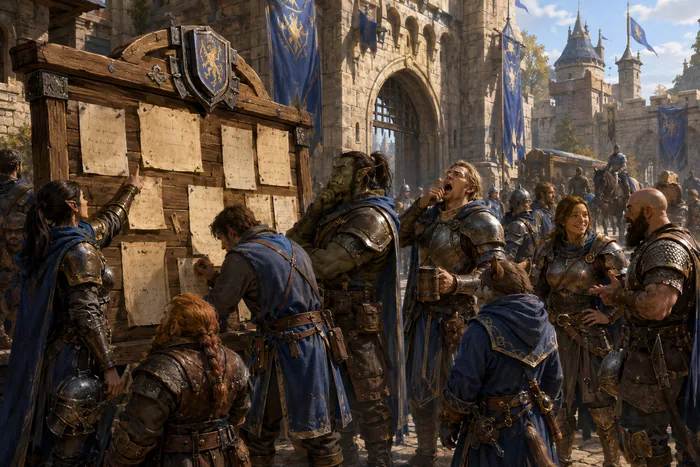
Every rally a month ahead: KvK, Guild Duel, Expedition, monster runs. You tap “I’m in” or “can’t make it” — and your officer sees the roster at once. Anything recurring is set up once and shows up on its own after that. Times are shown exactly as the game shows them: no time-zone maths in your head.
After the battle the panel takes your kills and gathered resources from the game and awards points by contribution. No screenshots to send, nothing to prove. If you disagree with the number, you tap “I disagree” and a real person looks into it. The final word is always theirs.
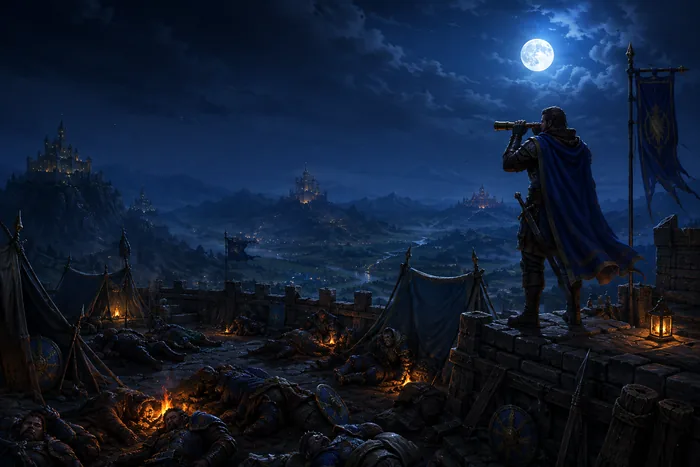
The panel watches the shields of the whole roster and shows whose has expired — which means who is ten minutes away from being farmed for resources. The person on duty reads the list and decides: wake someone or let them sleep. The alarm is sent by hand. The panel never wakes anyone by itself. Ever.
Open it in a browser, “add to home screen”, and from then on it is an ordinary icon next to the game. No app store needed.
How many points you and your guildmates have over any period, and what you can spend them on.
Who is on shield watch, who greets newcomers, who is responsible for the rally.
Day by day, yours and anyone else’s on the roster. You can see who is growing and who has stalled.
Your guild’s castles on the map: who stands where, and who is next to you.
Answers to the questions the chat asks every week for the third time.
The complaint reaches a real person instead of the void.
A name, an email, a password — or sign in with Google in one tap. No email confirmation needed.
Exactly as it is written in the game: that is how the panel finds you on the roster.
An officer checks that the name is yours and opens your access. After that everything is visible right away.
It does not log into your game and never asks for your game password. It does not wake you by itself: every notification is sent by a real person pressing a button. It does not show your real name — on the roster you appear under your in-game name, unless you decide otherwise.
The panel hosts several guilds at once: your own settings, your own language, your own points, your own person on duty. If you want the same for yourself — tell us about your guild and we will talk.
I want one too